
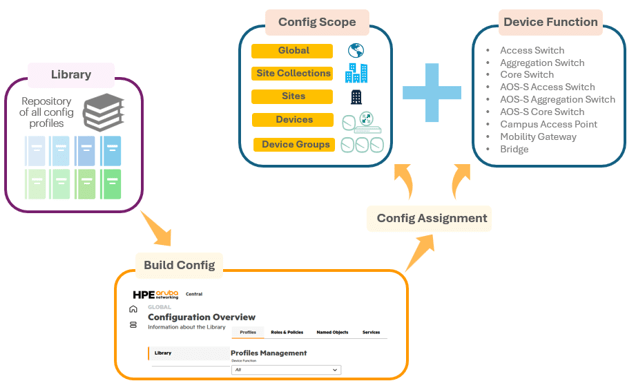
With the general availability of New Central, it is essential to understand one of its principal features: The Hierarchical Configuration Model. HPE Aruba Networking Central employs this model to streamline, full stack network management across distributed locations. Administrators are able to develop reusable profiles and policies, which minimise administrative burden, ensure uniformity, and support extensive deployments.
The hierarchical configuration model uses a top-down, multi-level structure to manage network infrastructure efficiently. It allows sharing configuration components across the network, with granular overrides permitted at lower levels for specific sites or devices, improving scalability and consistency.
This technote builds on the previous technote, where I covered migrating Instant APs to AOS10 and retrieving the AOS10 configuration from Classic Central. Here, the focus is on configuring AOS10 WLANs in Bridge mode using the relevant profiles in New Central.
 Solutions Tech Lab
Leave a comment